 Tips & Strategies
Who Was Closest? The Calculator for Your Quizpoker Showdown
The answer is up on the screen, everyone flips their notes, and then the maths begins. 1,912 is 37 over, 1,850 is 25 under. Or was it the other way round? Now Quizpoker does it for you: after the reveal, tap “Who was closest?”, enter the answers and see straight away who takes the pot. On top of that, your screen now stays on while you play.
How It Works
- Play in the question catalogue as usual until the answer is revealed.
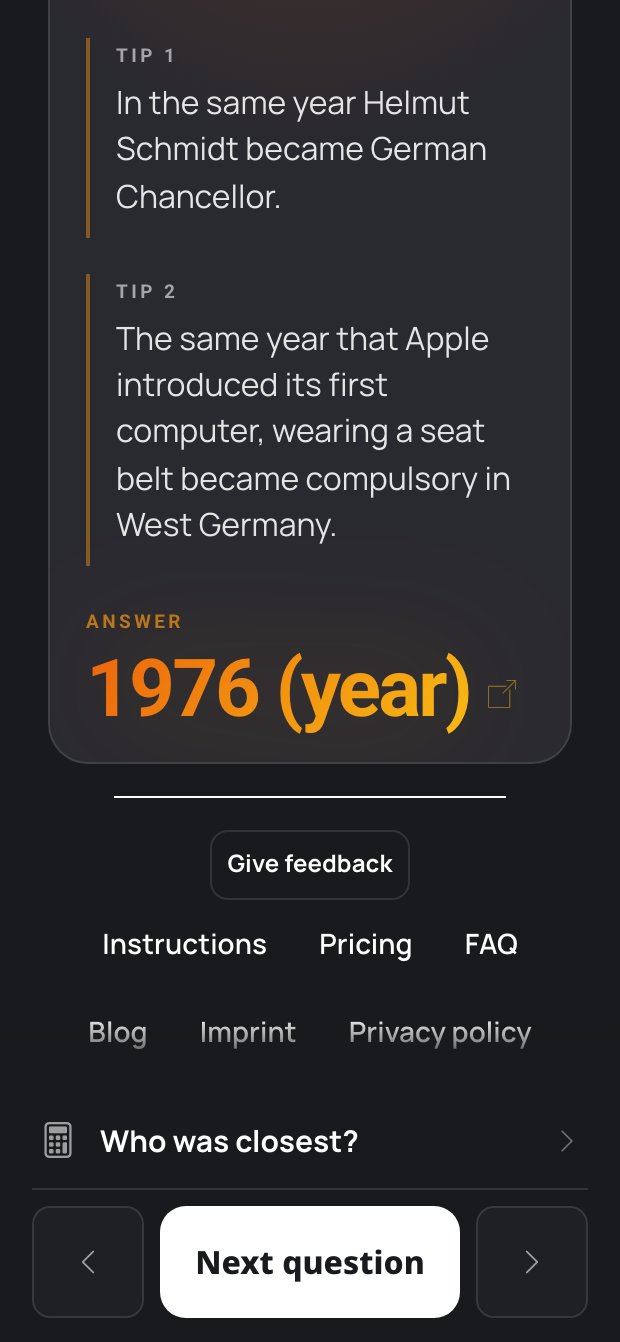
- Above “Next question” you now see the row “Who was closest?” with the calculator icon. Tap it.
- The first time, enter your names and tap Use these names. The list is kept for the whole evening, even if you reload the page.
- Enter the answers from the showdown. Switch anyone who folded from Fold to Out.
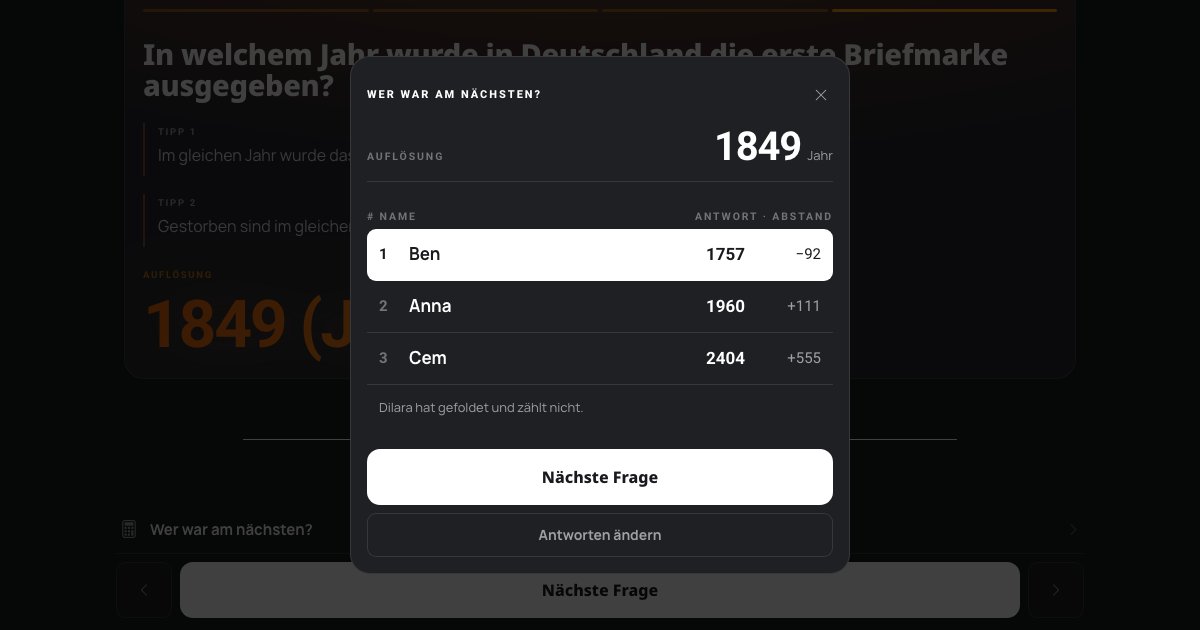
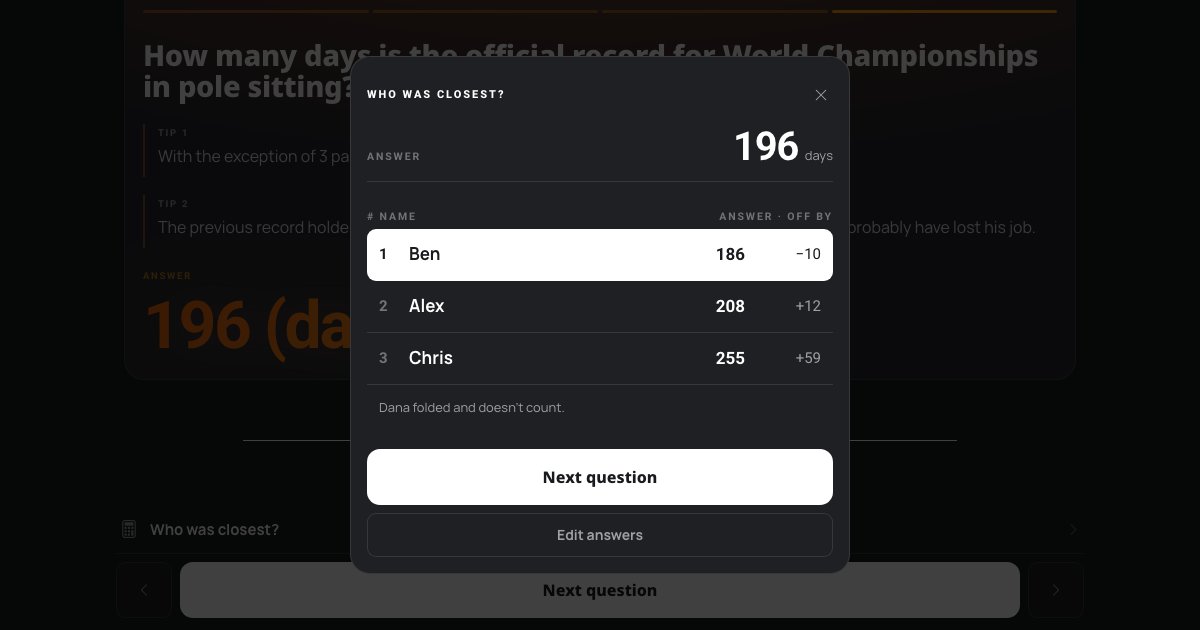
- Tap Work it out. The scoreboard shows the ranking, with the closest player highlighted at the top.
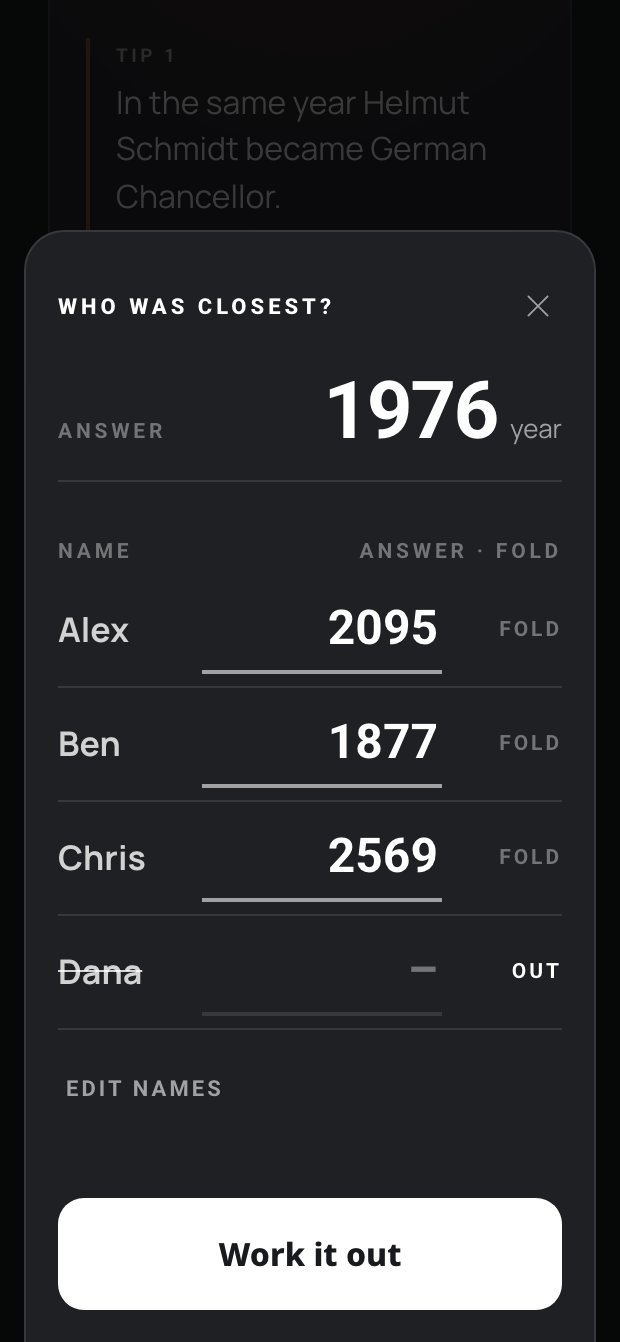
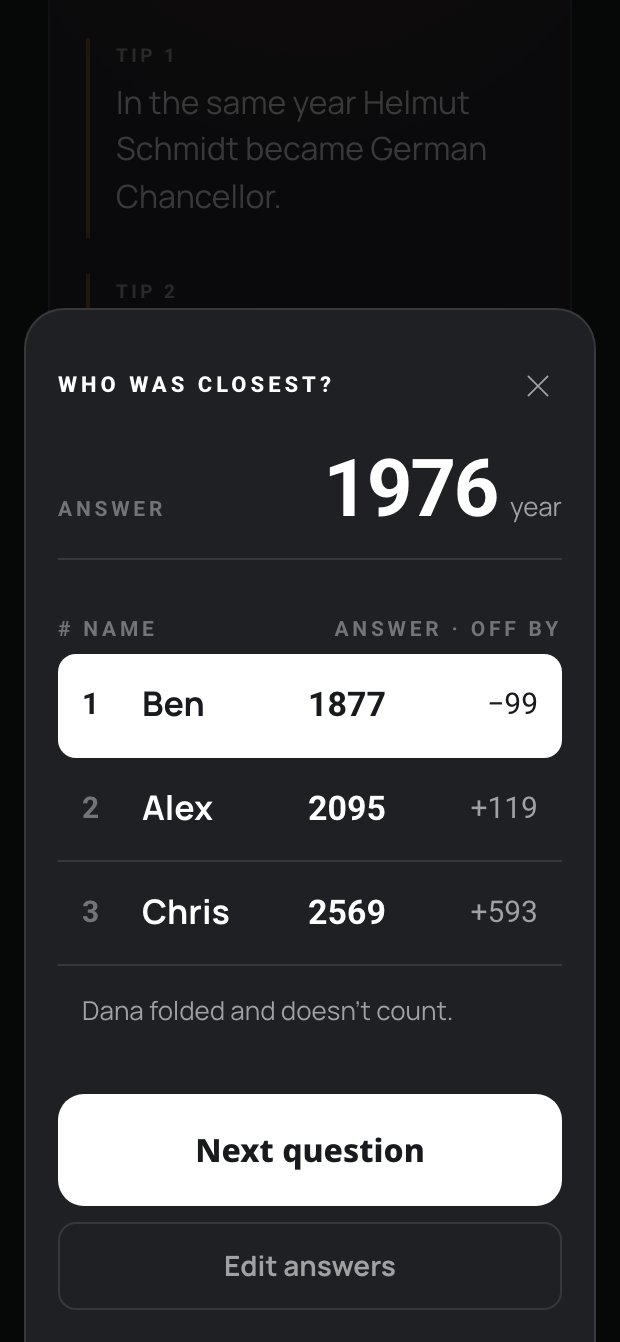
Only the Distance Counts
The calculator follows the rules: whoever gets closest to the answer wins. Over or under makes no difference. It reads the answer straight from the question, so you don't have to type it in. Write decimals and thousands separators the way you are used to, for example 3,474.8.
Next to every answer you see the distance with a sign: “+24” means 24 over the answer, “−26” means 26 under. So you see at a glance who went over and who went under. Only the size of the gap counts for the result.
Equally Close? Split Pot
If two or more of you are the same distance from the answer, all of your rows are highlighted, together with “Split pot — share the pot.”. You hand out the chips at the table as usual. Whatever can't be split evenly stays in the pot for the next question, as the rules say.
Folded Doesn't Count
Anyone who dropped out before the showdown no longer plays for the pot, even if the answer on their note was spot on. Tapping Fold switches the row to Out, strikes the name through and leaves the answer out. If everyone but one person folded, that person wins without a comparison.
Your Screen Stays On
The phone lies in the middle of the table, the betting round takes a while, and suddenly the screen goes black. Not any more. While the question catalogue or an online game is running, Quizpoker keeps the screen on. As soon as you go back to the game selection, your device's normal screen lock applies again.
Your Names Stay With You
Quizpoker only stores the list of names in your browser. Names and answers are never sent to our server. Use Edit names to change the list at any time, for example when someone joins later in the evening.
In Short
- After the reveal, tap “Who was closest?”.
- Add your names once, then only enter the answers.
- Switch anyone who folded to Out, tap Work it out.
- The same distance means a split pot.
- The screen stays on while you play.
Tags
wer war am nächsten showdown split pot schätzfragen spieleabend singleplayer